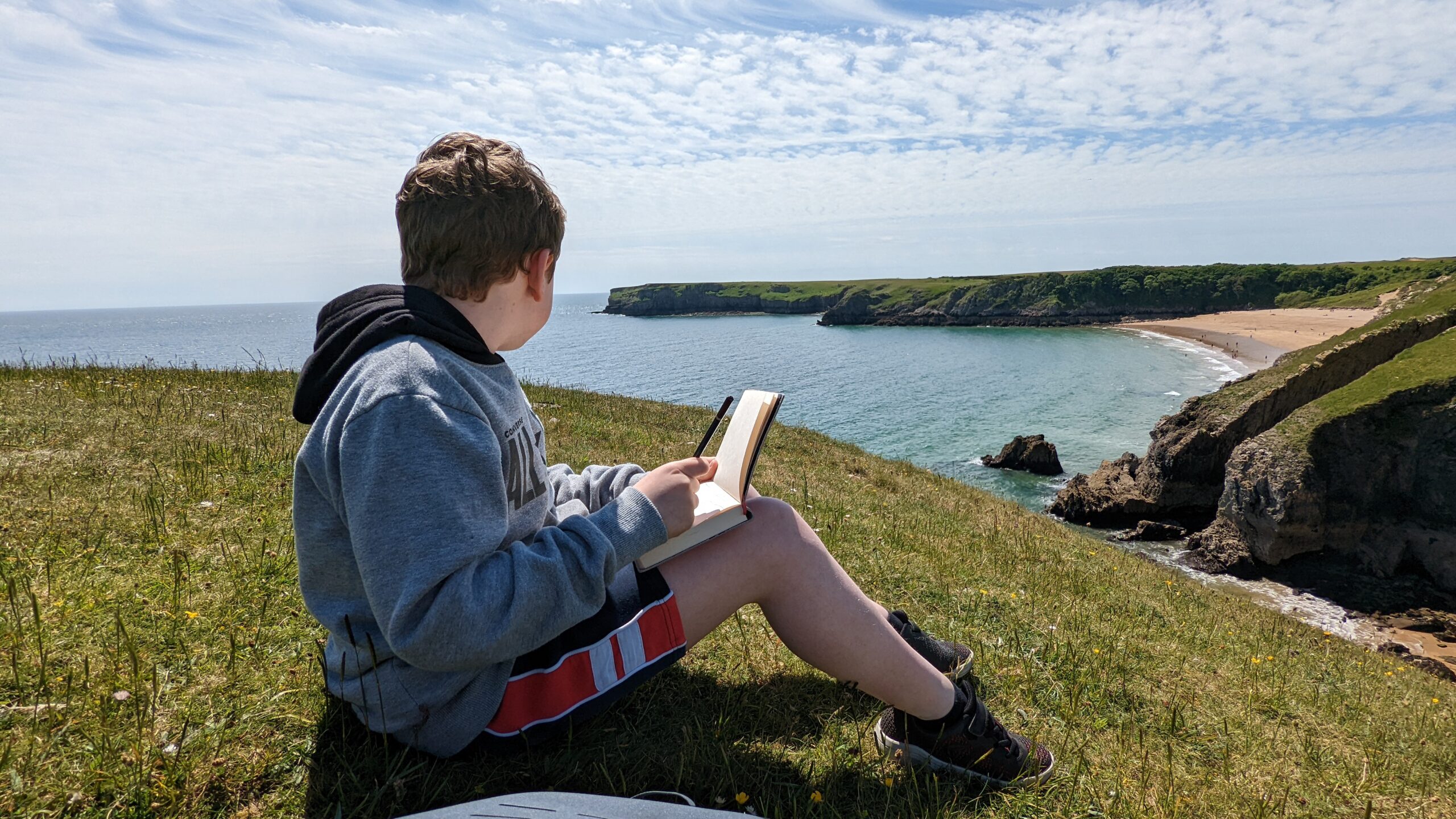
This is part of my AlgoArt series. A set of generative art experiments, each one named after a person, each one teaching me something different about code and creativity. You can follow the visual results on Instagram at @new_pathway.
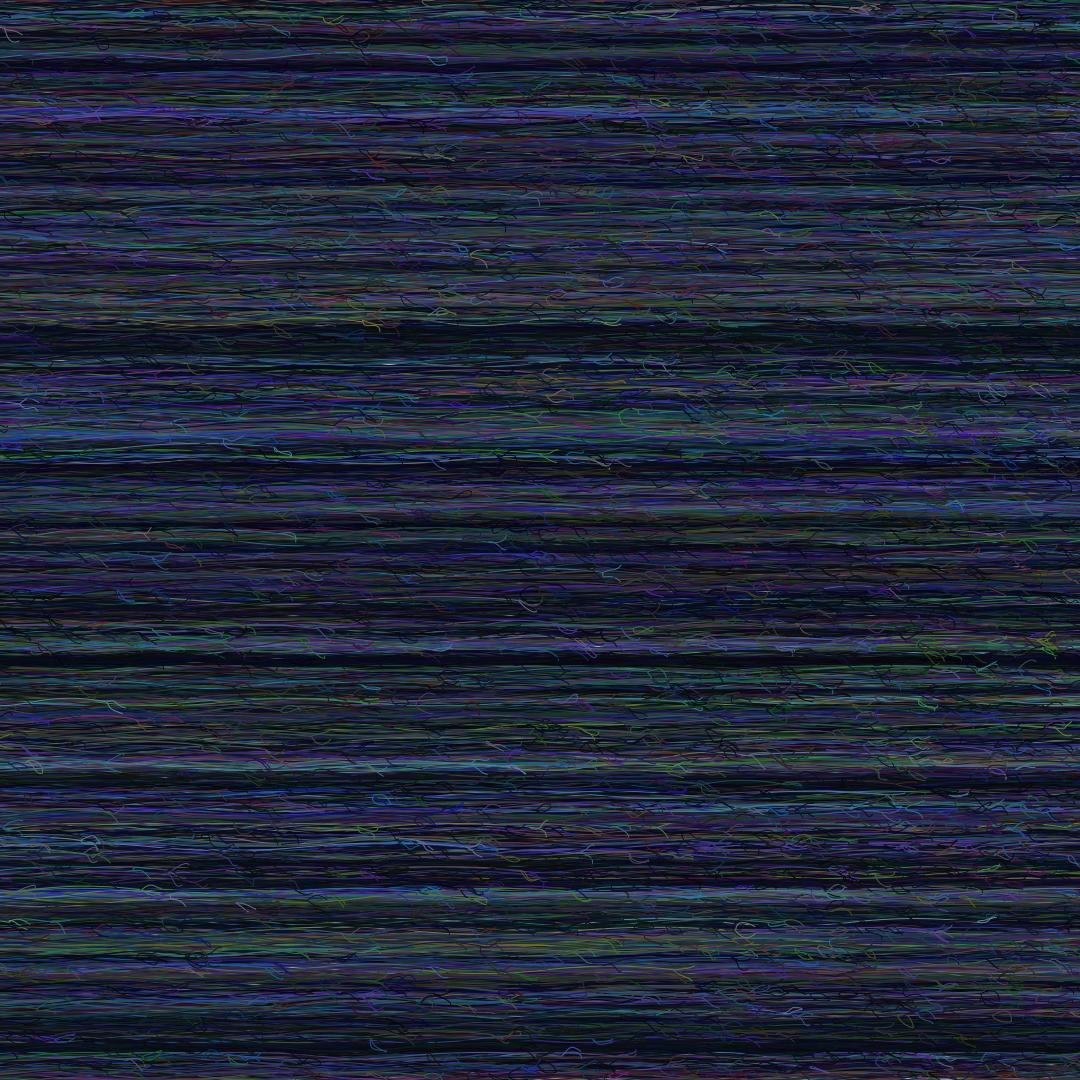
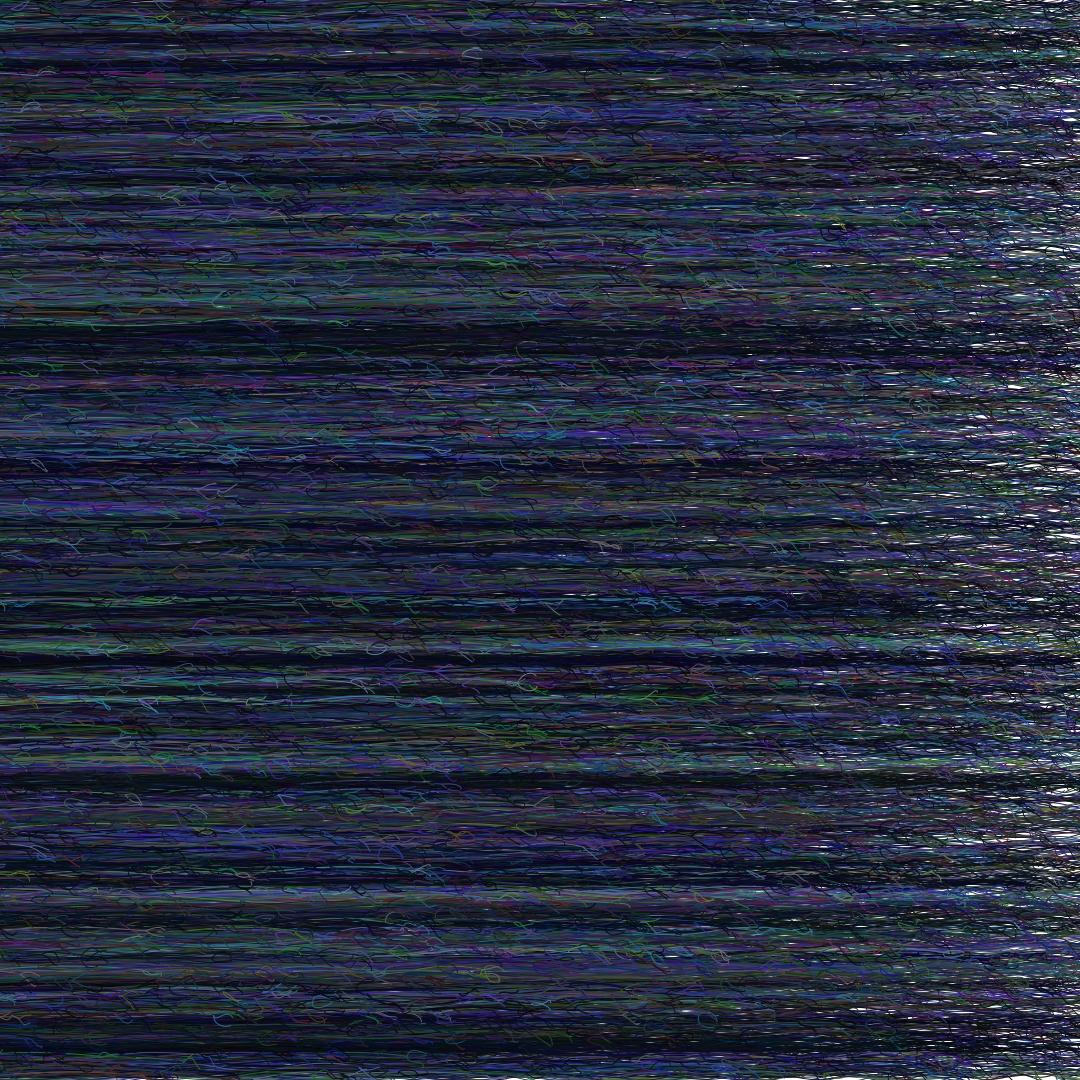
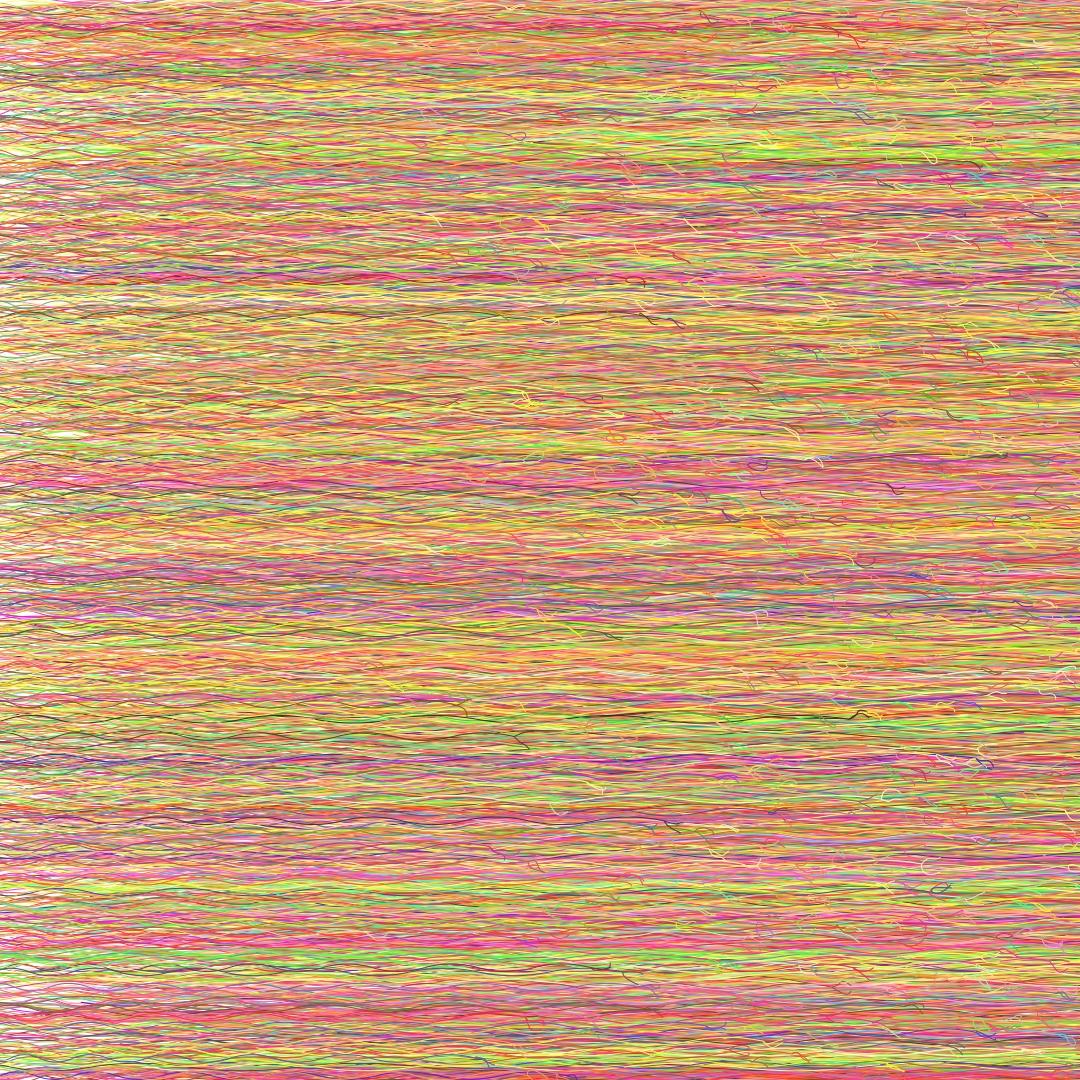
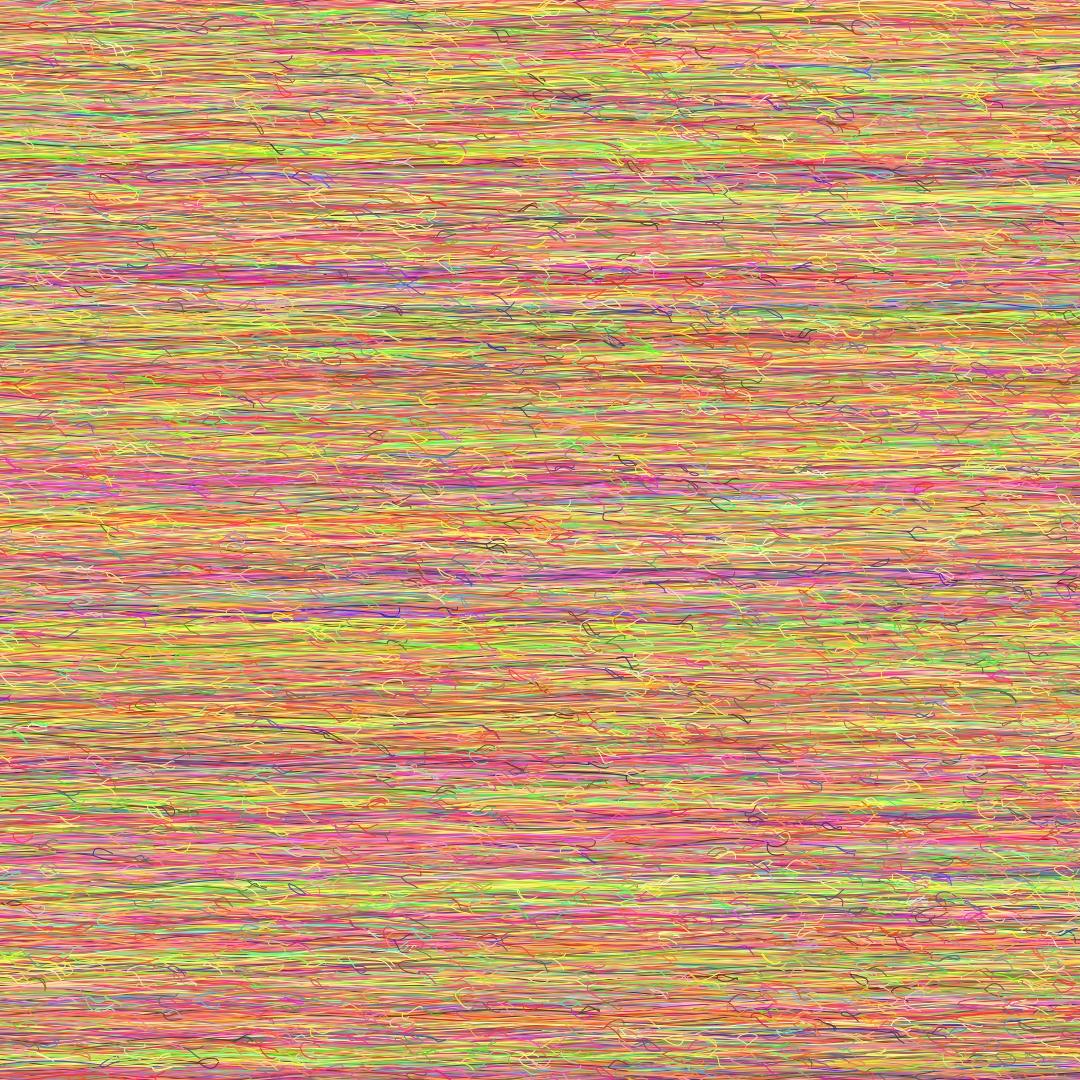
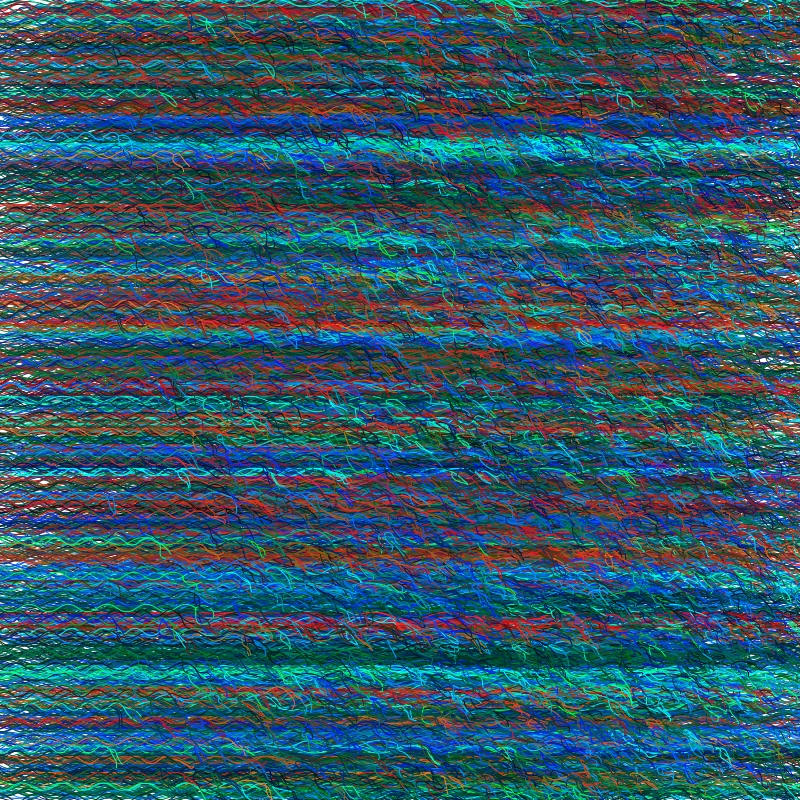
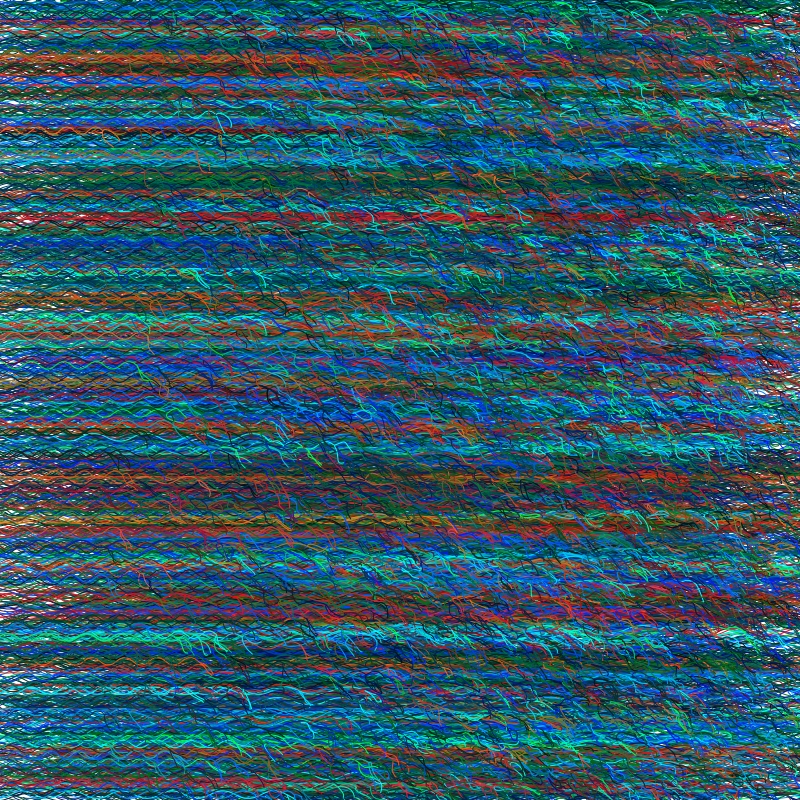
Yasmin is the yarn piece.
The idea was simple enough: draw lines that look like actual yarn. Threads that weave over and under each other, fray at the ends, shift gently in colour. Simple to imagine. Not so simple to get right.
The Concept
Every piece of yarn in the system is a curve — usually a cubic Bezier — running across the canvas. Each yarn gets subdivided into threads, and each thread gets sliced further into segments. Those segments are what actually get drawn.
The thing that makes the weaving work: every segment has a z_index. Once all segments are collected into one list, I sort by that index and draw from bottom to top. Simple idea. Works beautifully.
Three levels:
- Yarn — the overall strand, described by a Bezier curve
- Thread — each yarn subdivided into multiple thinner paths
- Segment — each thread sliced into over/under weaving pieces, each with a z-index
The Code Structure
I split the logic across a few files:
yarn.py— Yarn and Thread classes, Bezier helpers, offset functionsmain.py— canvas setup, Yarn object creation, drawing driverutils.py— colour generation and geometric helpers
The Yarn class takes a Bezier path and a set of parameters: number of threads, twists, thickness, base colour, colour variation. Thread builds its own segments and can add frays at the ends.
Full code on GitHub at @galiquis.
Colour: The HSL Trick
I wanted each yarn to belong to the same palette without everything looking identical. Pick a base colour, then nudge hue and saturation slightly in HSL space for each yarn and thread.
The base colours for Yasmin: dark teal, sea blue, burnt umber. The shifts are subtle. But they accumulate across hundreds of yarns into something that feels alive rather than mechanical.
The Rounding Gotcha
Here is where it got embarrassing.
Three hundred yarns generating and they were all jamming into the top 10% of the canvas. I checked the offsets. The control points. Everything I could think of.
The culprit was this line:
spacing = canvas_size[1] // (number_of_yarns - 1)Integer division. With a large number of yarns, spacing rounded down to 1 or even 0. Every yarn practically on top of the last one.
Changed // to / and the canvas filled up gracefully.
One character.
It is a good reminder that the smallest math slip can produce large-scale artistic chaos. Which sounds poetic until you have been staring at it for an hour.
Drawing the Final Piece
Once all segments are generated, it is surprisingly clean:
all_segments.sort(key=lambda seg: seg["z_index"])
draw_shapes_dict(canvas, all_segments, (0, 0))
Each segment carries its curve geometry, stroke colour, thickness, and fill opacity. I used aggdraw for rendering — it handles anti-aliasing well.
The creative play happens in the parameters: how much to offset control points, how aggressively to fray the ends, how tightly to weave segments. Those are the knobs that turn a working system into something worth looking at.
What I Took From It
- Integer division will bite you. Float division by default, always.
- Small geometry details — offsets, frays, subtle curves — matter more than big structural choices.
- Working in small, focused classes makes iteration much easier. Yarn, Thread, Segment. Each thing does one thing.
Next up in the series: Zara, where the goal was concrete texture and the result was… instructive.